


Tap to Pay
on iPhone

Save on costs
No additional hardware is required, making it a more affordable option. You will save on initial and maintenance costs.

Easy and mobile
With your TIMP Express app, you can accept payments anywhere with just your iPhone.

Faster
With Tap to Pay on iPhone and TIMP Express, you can make quick transactions, reducing payment time and allowing you to serve more customers efficiently.

Secure and efficient
With the leading payment platform in the online payments market.
How to use
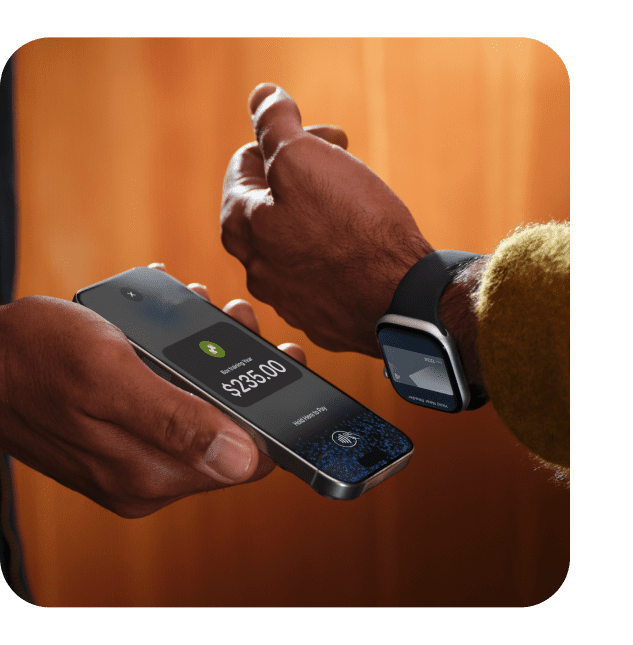
With Tap to Pay on iPhone and TIMP Express, you can accept all types of in-person, contactless
payments right on your iPhone—no extra terminars or hardware needed.
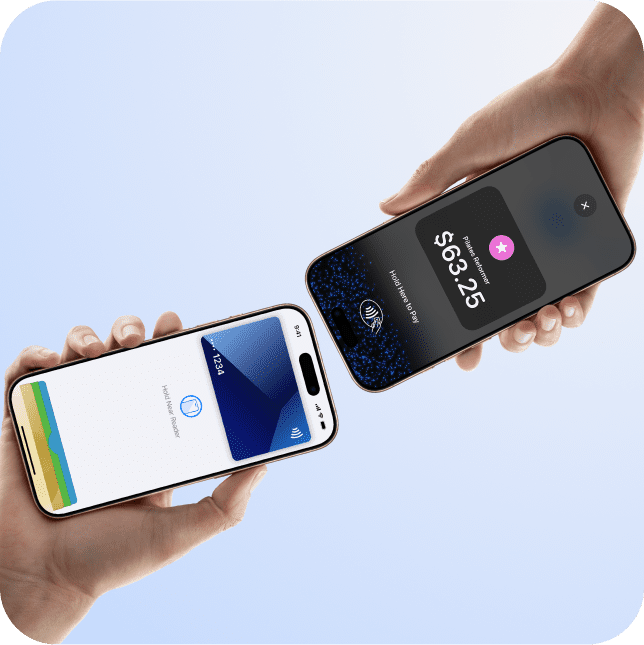
Do business in more places
With Tap to Pay on iPhone, you can accept all types of in-person, contactless payments right on your iPhone so you can reach more customers, take payments on the go, and explore new setups, like line busting.
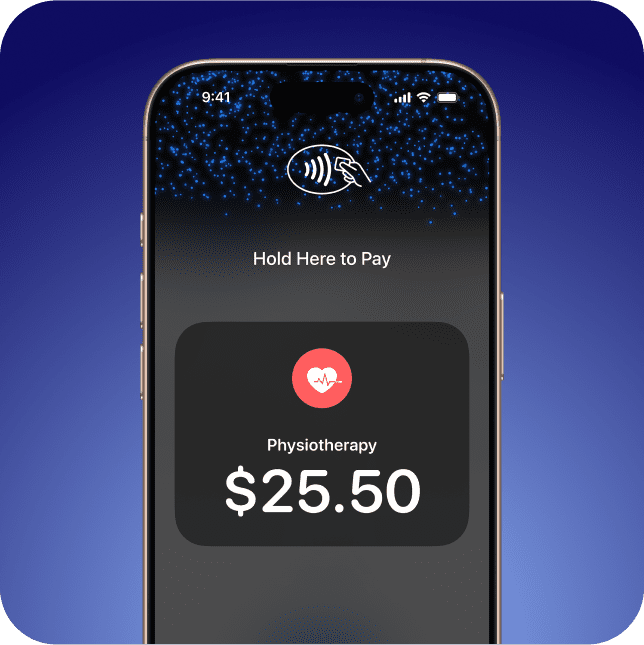
No terminal needed
With Tap to Pay on iPhone, you can accept in-person, contactless payments right on your iPhone. So there’s no need for additional card readers and terminals. All you need is your iPhone and the TIMP Express app.

Designed to be secure
Tap to Pay on iPhone uses the built-in security and privacy features of iPhone to help protect your business and customer data. Apple doesn’t store card numbers on Apple servers, so merchants and customers can rest assured that their data stays theirs.
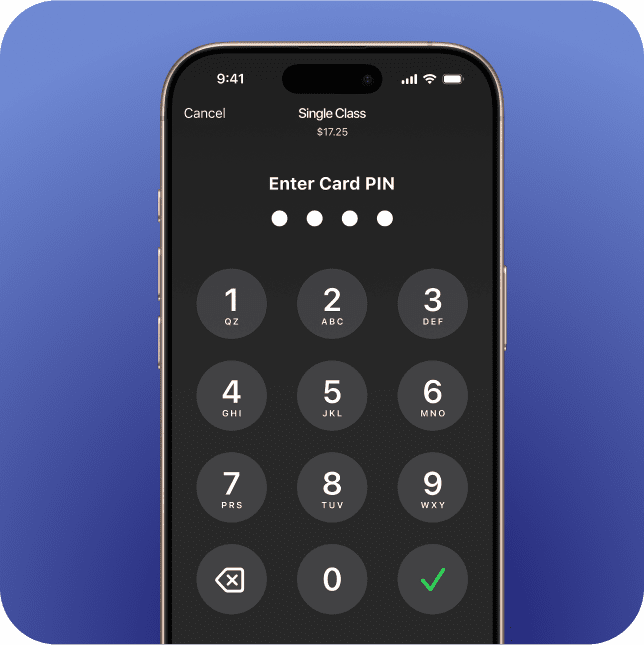
No recording
Tap to Pay on iPhone is designed to prevent all photo, video, screenshot, and screen-recording features from capturing a customer’s card number.
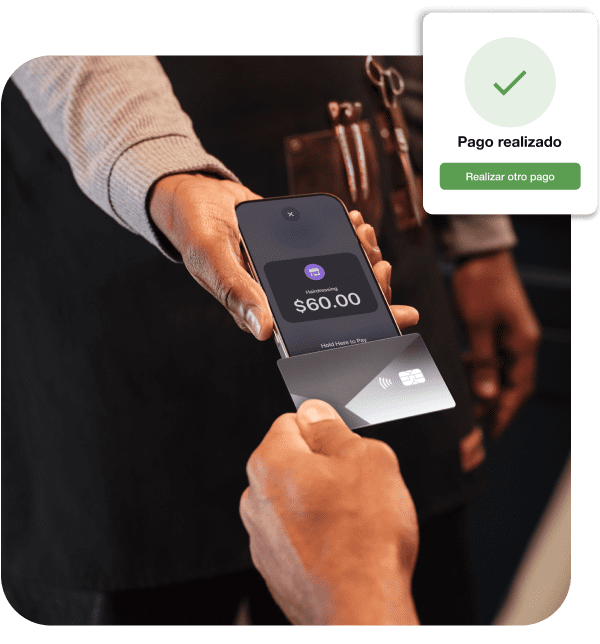
What do you need to use Tap to Pay on iPhone?
- Be a TIMP customer.
- Have the In-app Payments module activated and configured.
- Have your iPhone connected to mobile data or a Wi-Fi network.
- Manage the sale from TIMP Express.
Replace your card reader with a simple, hardware-free alternative.
Centralise everything in TIMP
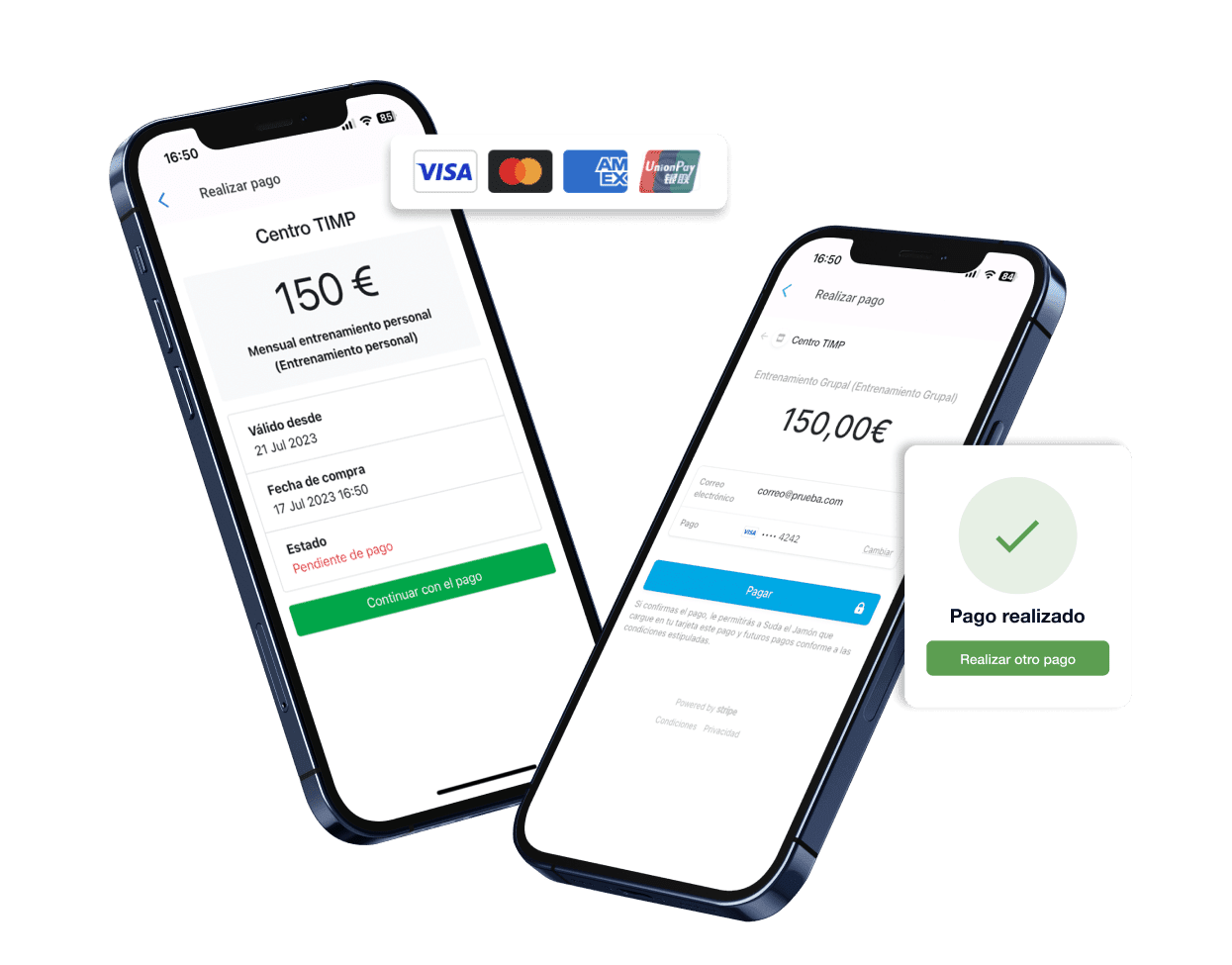
Centralise all your payments and accounting management in TIMP. Using In-app Payments and Tap to Pay on iPhone, forget about SEPA files, low card reader battery life, printing receipts or invoices, and chasing customers with outstanding payments.
Stripe:
guaranteed security
Our in-app payments are managed by Stripe, the most secure online payment infrastructure and industry benchmark. In fact, it is the platform used by leading brands such as Amazon, Spotify and Uber. TIMP, too.
Tap to Pay on iPhone Requirements: Tap to Pay on iPhone requires a supported payment app and the latest version of iOS. Update to the latest version by going to Settings > General > Software Update. Tap Download and Install. Some contactless cards may not be accepted by your payment app. Transaction limits may apply. The Contactless Symbol is a trademark owned by and used with permission of EMVCo, LLC. Tap to Pay on iPhone is not available in all markets. For Tap to Pay on iPhone countries and regions, see https://developer.apple.com/tap-to-pay/regions/