


Tap to Pay
on iPhone

Convenient and mobile
From your TIMP Express app, you can accept payments anywhere with just your iPhone.

Cost savings
You don't need additional hardware, making it a more affordable option. You will save on initial and maintenance costs.

Faster
With Tap to Pay on iPhone and TIMP Express you will be able to make quick transactions, reducing payment time and allowing you to serve more customers efficiently.

Safe and effective
With the leading payment platform in the Internet payment market.
How it works
With Tap to Pay on iPhone and TIMP Express, you can accept all types of contactless payments
in person directly on the iPhone. No terminals or other devices.
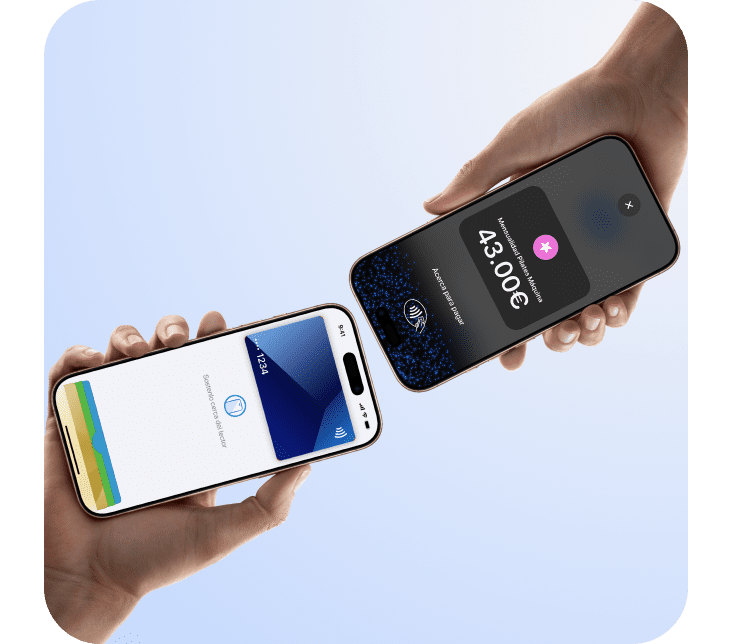
Increase the reach of your business
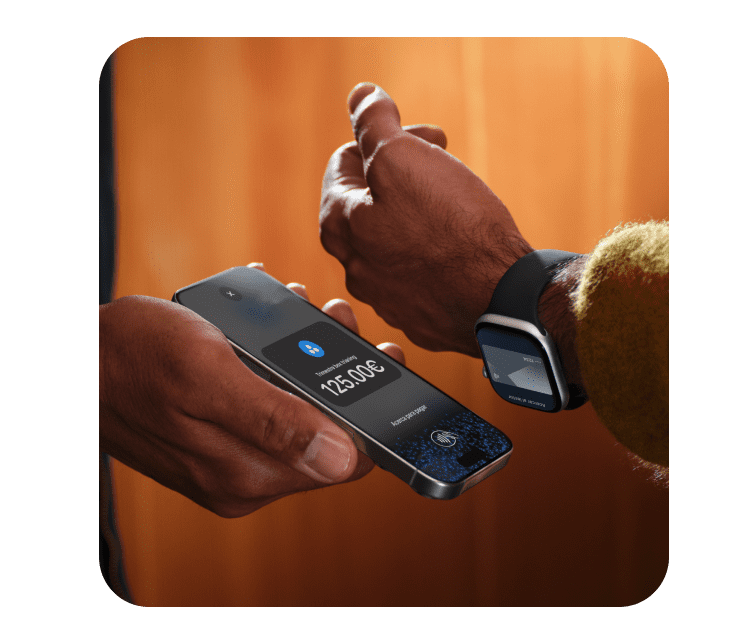
With Tap to Pay on iPhone, you can accept all types of contactless payments in person directly on the iPhone and reach more customers, charge them on the go and discover new solutions to serve them faster.
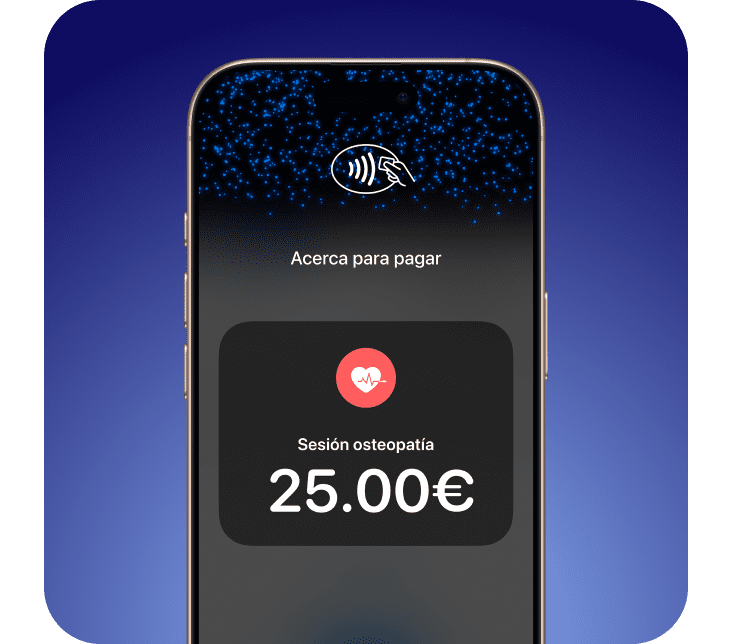
Forget about additional devices
With Tap to Pay on iPhone, you can accept all types of contactless payments in person, directly on the iPhone. Forget about card readers and payment terminals. All you need is an iPhone and the TIMP Express app.
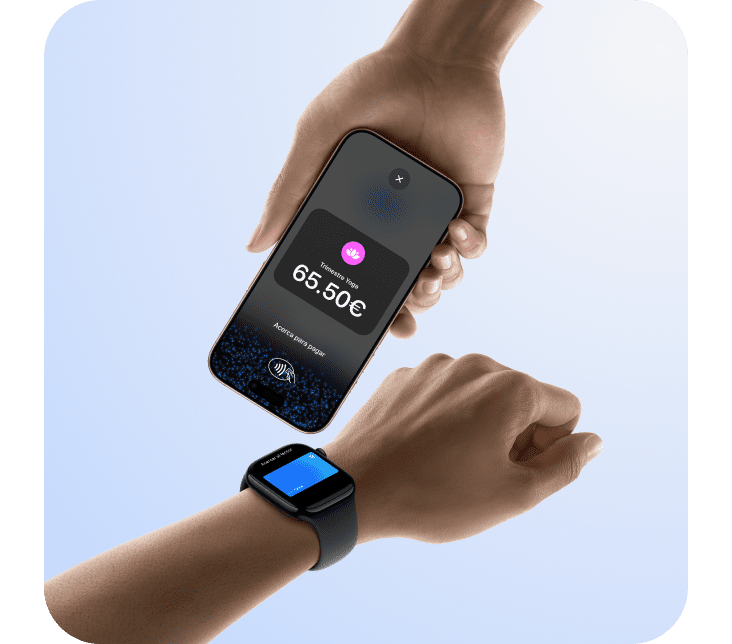
Designed to be safe
Tap to Pay on iPhone uses the iPhone’s built-in privacy and security features to protect your business and customer data. When a payment is processed, Apple does not store the card numbers or PIN on your iPhone or its servers. In other words, merchant and customer data belongs to them and no one else.
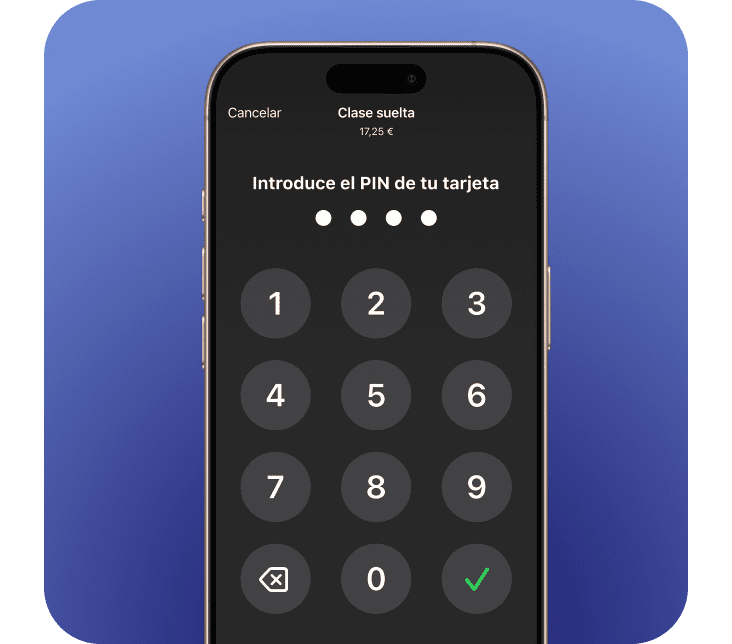
Protected PIN transactions
Tap to Pay on iPhone prevents the merchant’s iPhone from being able to use the photo, video or screen capture and recording features to record a customer’s PIN or card details.
Accessibility comes as standard
Customers who require visual or other assistance can use the accessibility features built into Tap to Pay on iPhone to securely enter their PIN. They will receive audio instructions to draw the numbers on the screen or tap it once for 1, twice for 2, and so forth. And to confirm their PIN, they only need to swipe two fingers to the right.
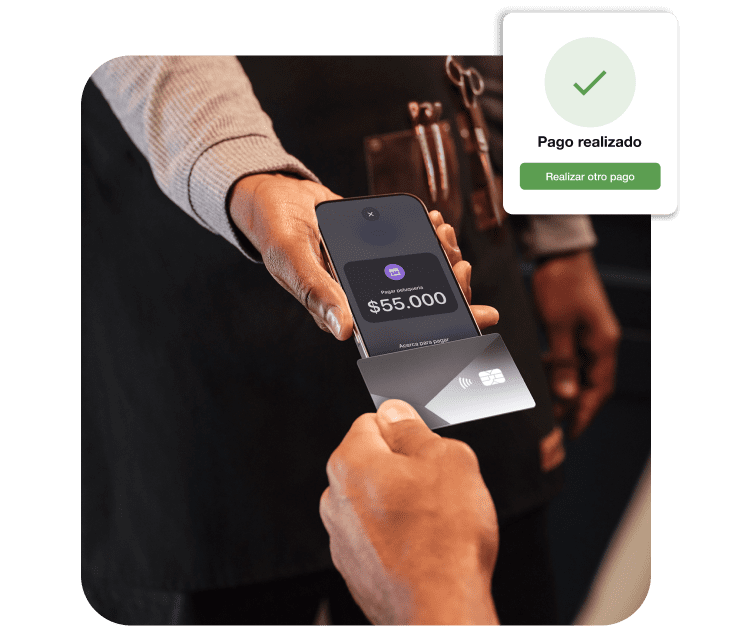
What do you need to use Tap to Pay on iPhone?
- Be a TIMP customer.
- Have the In-app Payments module activated and configured.
- Have your iPhone with cellular data or connected to a Wi-Fi network.
- Manage the sale from TIMP Express.
Replace your dataphone with a simple, hardware-free alternative.
Centralize everything in TIMP
Centralize all your
Stripe: garantía de seguridad
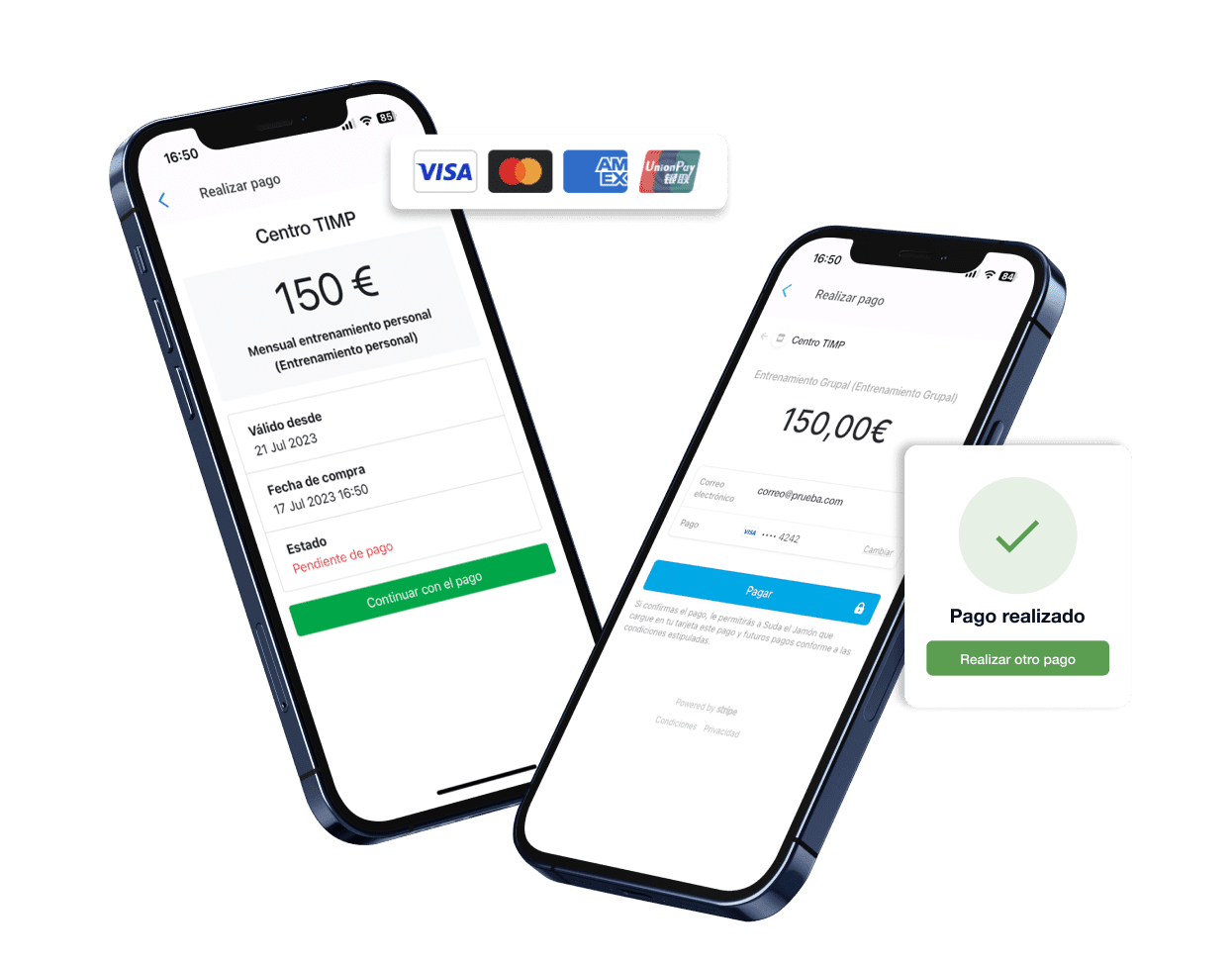
Our in-app payments are managed with Stripe, the most secure online payment infrastructure and industry benchmark. In fact, it is the platform used by leading brands such as Amazon, Spotify or Uber. TIMP, too.
Legal notice: Tap to Pay on iPhone requires a supported payment app and the latest version of iOS. To update to the latest version, go to Settings > General > Software Update. Select Download and Install. Your payment app may not accept all contactless cards. Transaction limits may apply. The Contactless symbol is a trademark owned by EMVCo, LLC and is used with permission. Tap to Pay on iPhone is not available in all markets. View countries and regions where it is available at https://developer.apple.com/tap-to-pay/regions/.